
Email Server Settings
Before you can schedule reports, you need to configure your email server.
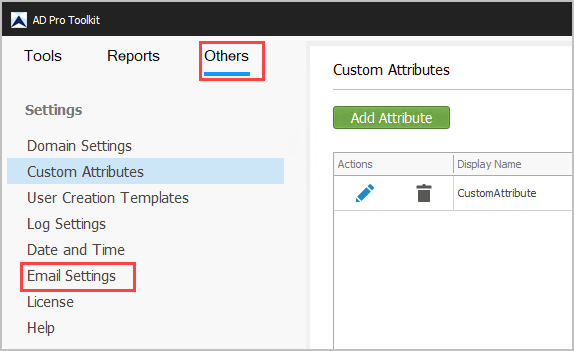
Click on “Others” and “Email Settings”
OAuth Email Settings
Section titled “OAuth Email Settings”Refer to the OAuth 365 Setup Guide for step by step instructions.
Gmail Server Settings
Section titled “Gmail Server Settings”To configure the software to use your Gmail server follow the below steps.
- Authentication Type = Basic
- From Address = Your email account
- To Address = Enter a to Address
- SMTP Server = smtp.gmail.com
- Port = 587
- Password = Password = You will need to create an app password from your gmail account. Refer to Sign in with app passwords document for details