How to Bulk Reset AD User Passwords with AD Pro Toolkit
The AD Pro Toolkit, lets your bulk Active Directory User Passwords by CSV or selecting accounts from AD.
Bulk Password Reset Steps
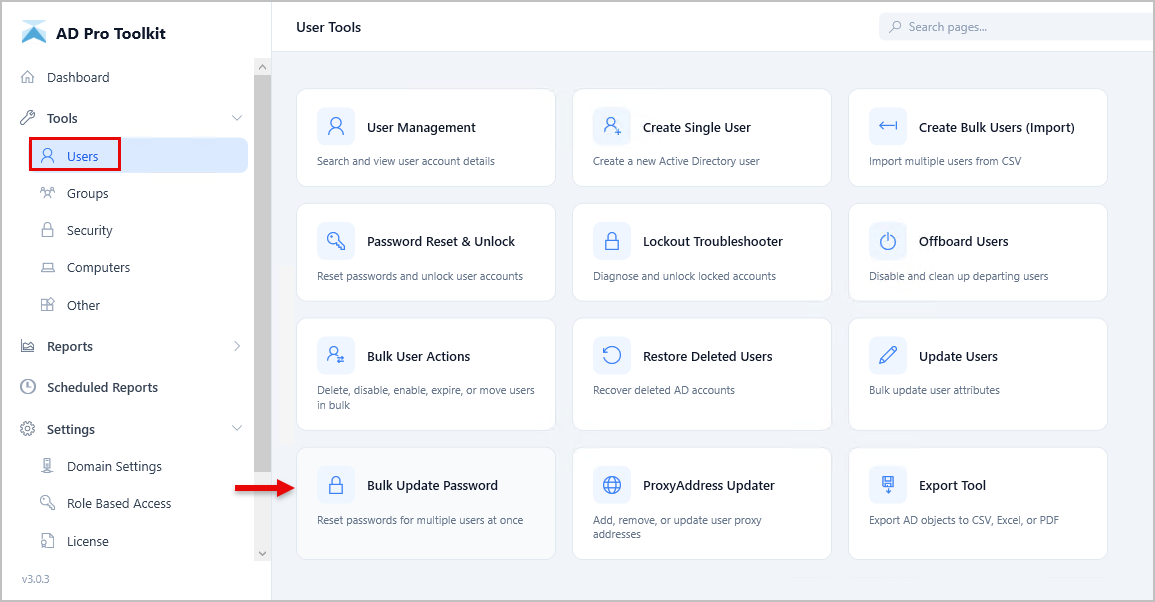
Section titled “Bulk Password Reset Steps”Step 1. Click on Tools > Users > Bulk Update Password
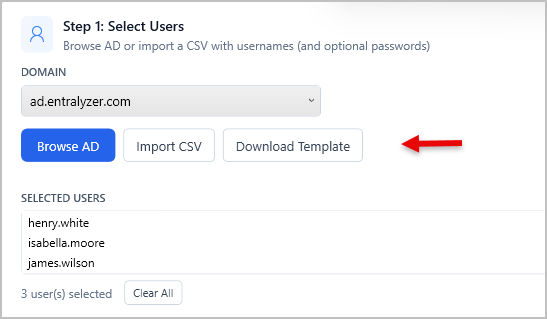
Step 2. Select the users whose passwords you want to update by browsing Active Directory or importing a CSV file.
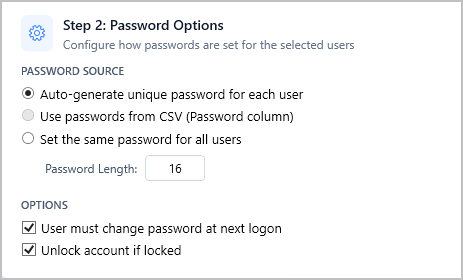
Step 3. Select the password actions you want performed on the accounts.
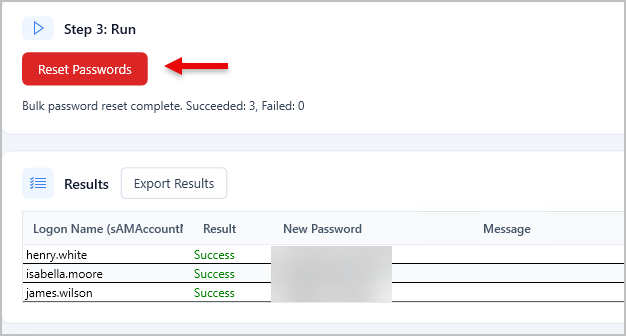
Step 4. Reset Passwords
If you auto generated passwords click the “Export Results” button to export them to csv.