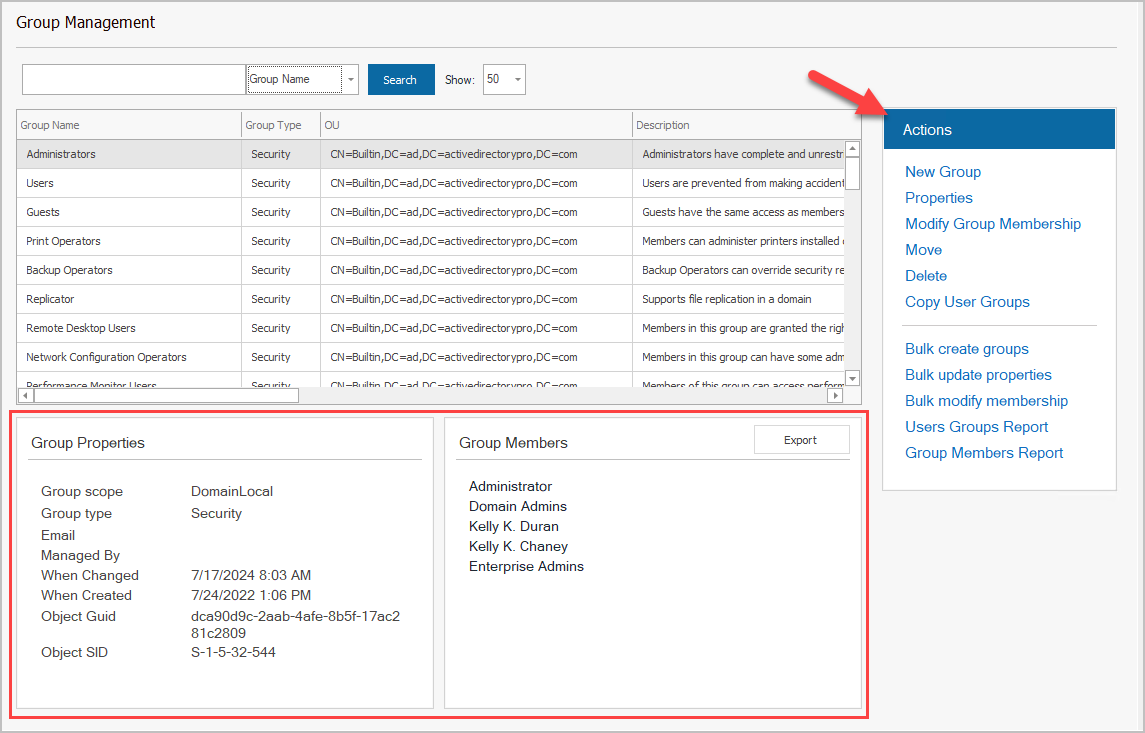
Active Directory Group Management Tool
Description
Section titled “Description”The group management tool is a centralized dashoard that lets you quickly look up groups, create, delete and modify groups. Quickly view group details such as members, type, managed by, when created and so on. Easily modify groups, and export group members, All of this and more can be done with a click of the button from a single console.
How to
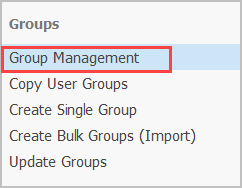
Section titled “How to”Step 1. Click on “Group Management”
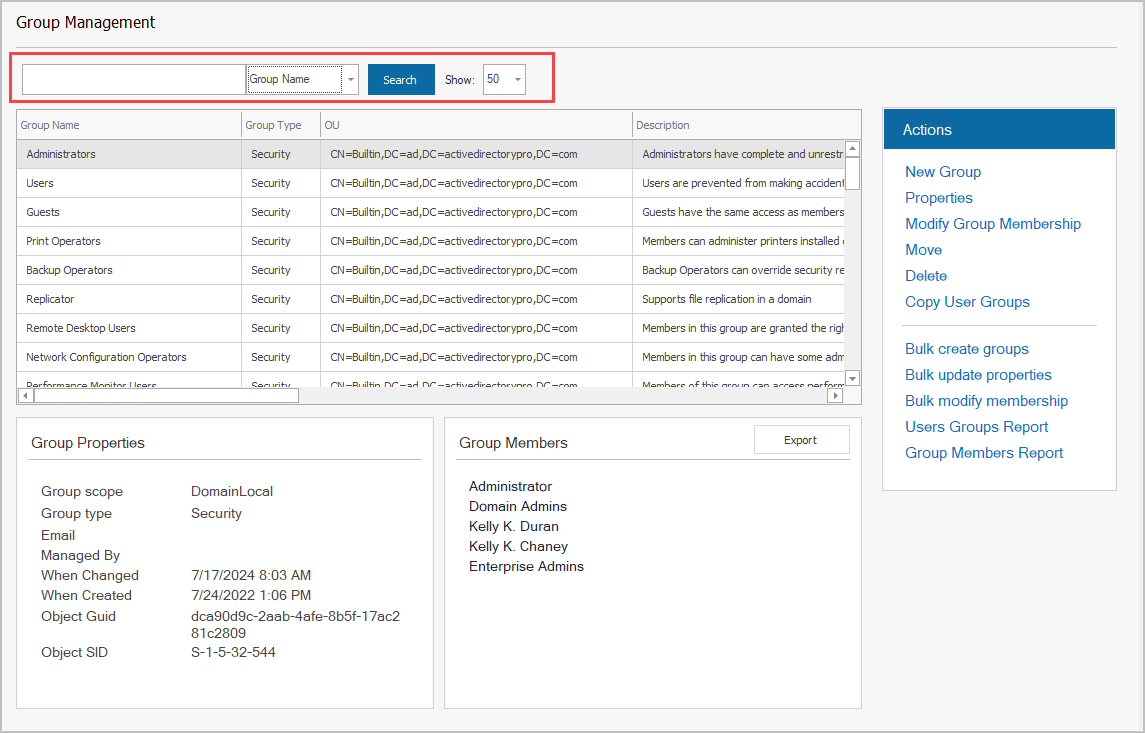
Step 2. Click “Search” to list all groups or enter a keyword
Step 3. Select a group and choose an Action
You can view group details at the bottom or select an action on the right.