
Check Windows Uptime
Description
Section titled “Description”The Windows Uptime feature gets the Windows Uptime and last boot time on remote windows computers. You can scan the entire domain or seach for specific computers.
Requirements
Section titled “Requirements”- WMI needs to be open in the firewall
How To
Section titled “How To”Step 1. Click on Windows Uptime from the tools menu.
Step 2. Select a Path or click “Search” to select a specific computer. By default, it will scan all domain computers.
Step 3. Click “Run” to start the report.
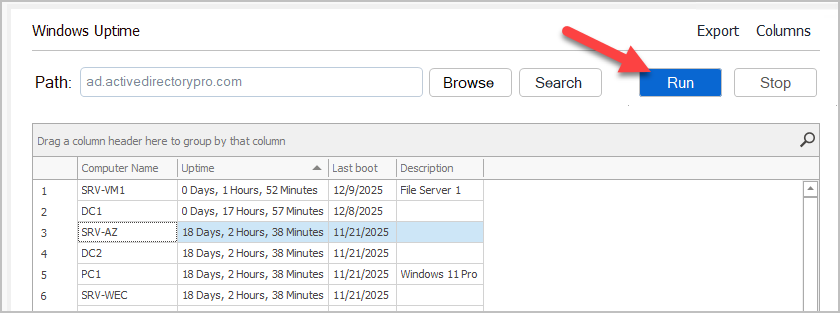
Step 4. To export the report click the “Export” button in the top right.