Export AD Users Tool
Description
Section titled “Description”The Active Directory User Exporter is a streamlined utility designed to quickly and reliably extract user information from your Active Directory environment and save it in a clean, structured CSV format. Ideal for audits, reporting, migrations, and general administrative tasks, this tool enables IT administrators to select specific organizational units (OUs) or export all users across the domain. It supports customizable attribute selection—such as usernames, display names, email addresses, group memberships, account status, and more.
Features
Section titled “Features”- Export all users to csv
- Export users from an OU
- Export users based on attribute value such as description, state, status and so on
- Export all disabled or enabled users
How to
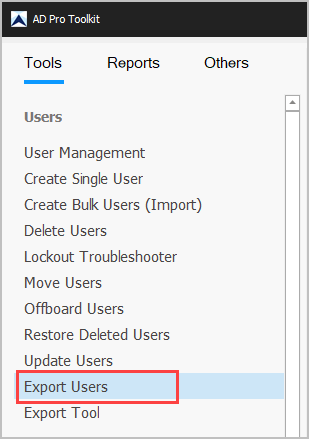
Section titled “How to”Step 1. Click on “Export Users”
Step 2. Click “Columns” to customize what properties to include
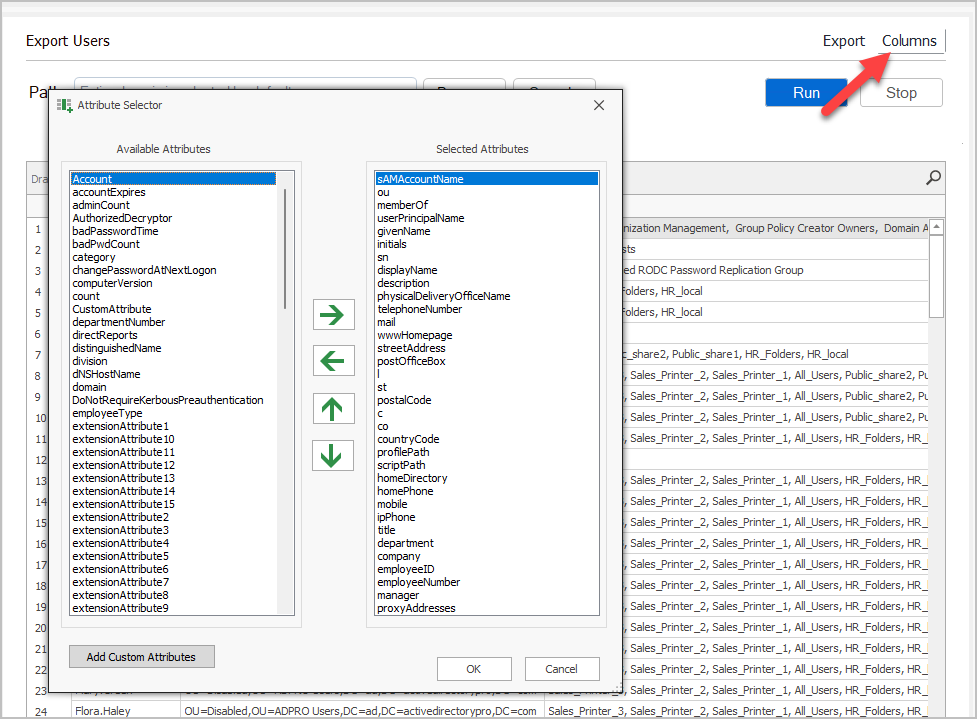
Use the arrows to add/remove user attributes. Click “OK” when done.
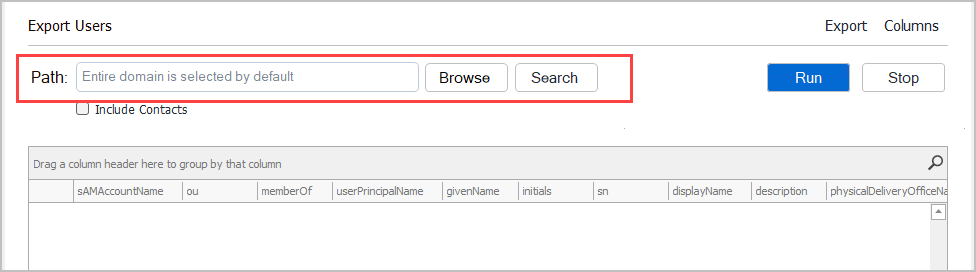
Step 3. Click “Run” for all users or click “Browse” to select an OU.
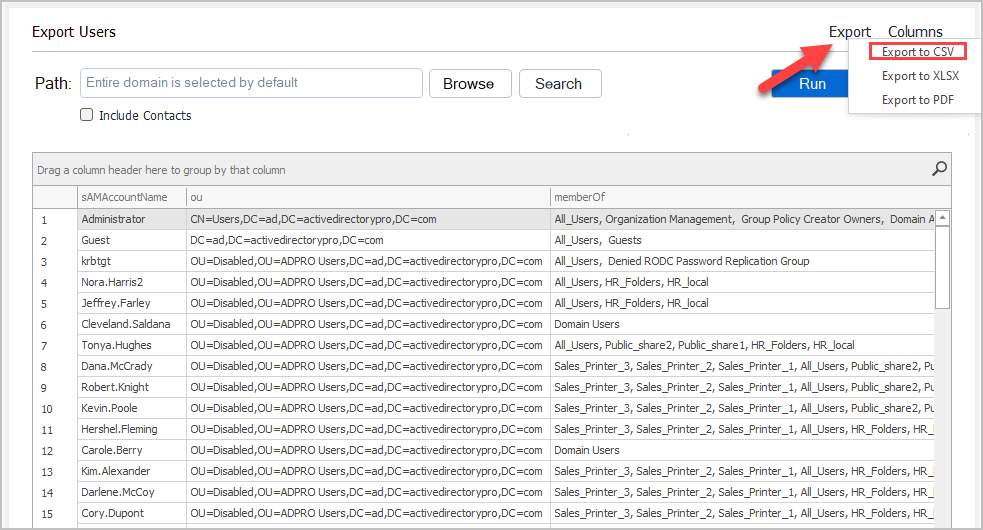
Step 4. Click “Export” and select the format.