Active Directory Move Users Tool
Description
Section titled “Description”The move users tool lets you select an move users to another OU. This is useful if you have accounts spread out over multiple OUs that need moved.
How to
Section titled “How to”Step 1. Click on “Move Users”
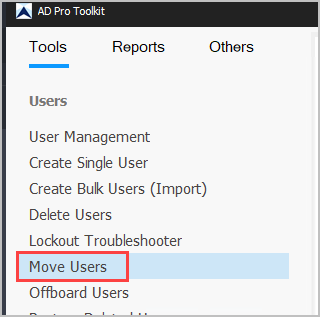
Step 2. Search for accounts you want to move
- You can click search and find specific accounts.
- You can click “Browse” to get all accounts from an OU.
- Or click “Run” to get all accounts then filter the results.
In this example, I’m going to move all disabled accounts to another OU.
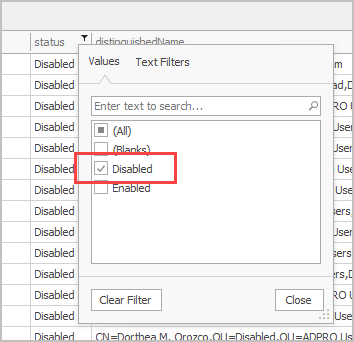
I will click “Run” to get all accounts then I’ll filter on the status column to only display disabled accounts.
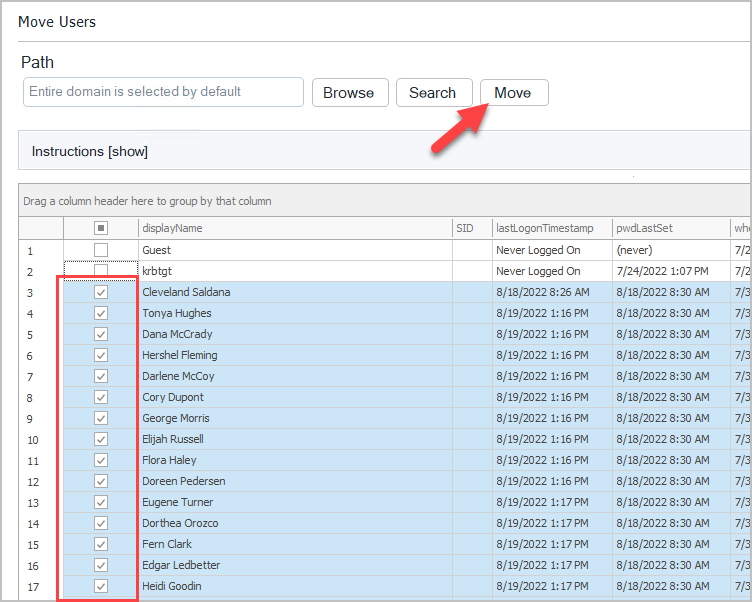
Next, I’ll select the accounts and click “Move”.
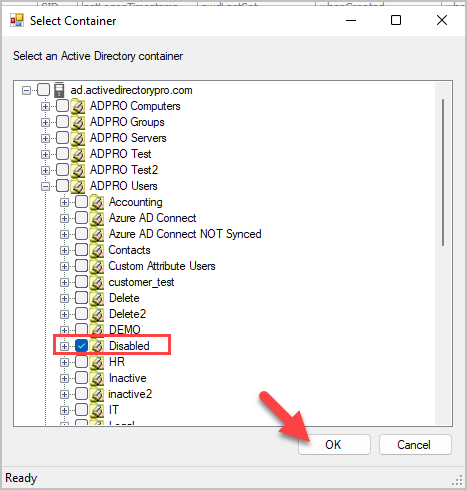
Select the OU and click OK to move the accounts.