Offboard Active Directory Users
Description
Section titled “Description”The Offboarding feature lets you automate removing or deactivating user accounts when an employee leaves the organzation, transitions to a new role, or otherwise no longer requires access to the network. This tool makes it easy to select single or multiple user accounts and run the offboarding process to streamline deactivating account access.
Features
Section titled “Features”- Disable single or multiple accounts
- Hide users from GAL (Gloabl Address List)
- Group membership removal
- Clear Attributes
- Move users to another organizational unit (OU)
- Add description
How to
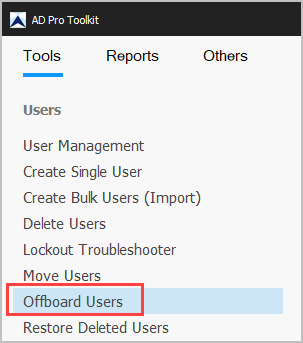
Section titled “How to”Step 1. Click on “Offboard Users”
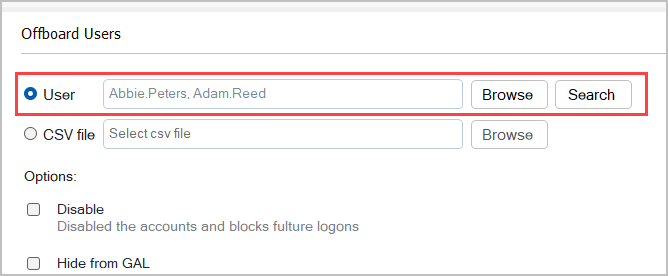
Step 2. Click “Browse to select users” You can select multiple accounts.
Step 3. Select options
- Disable
- Disable the selected accounts
- Hide from GAL
- Hide selected accounts from the global address list
- Remove from Groups
- Remove accounts from all groups
- Clear Attributes
- Remove value for the select attributes
- Move to OU
- Move users to an OU
- Add Description
- Add descriptions to the selected accounts
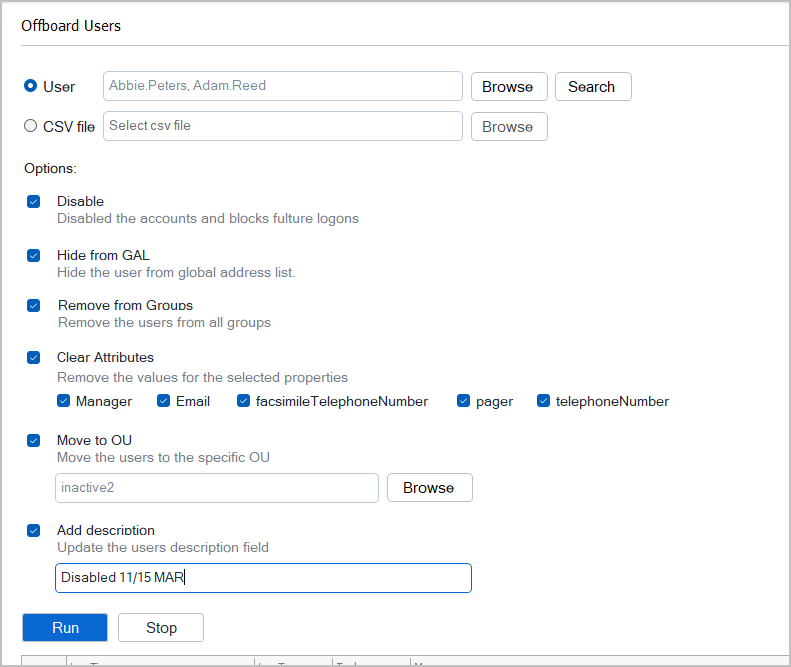
Click “Run” to start offboarding the accounts.

You can export the logs for records or backup needs.
CSV Example
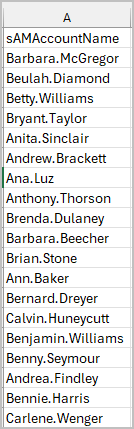
Section titled “CSV Example”To offboard from a CSV list you just need the users sAMAcountName (logon name)